What Is the Best Home Printer
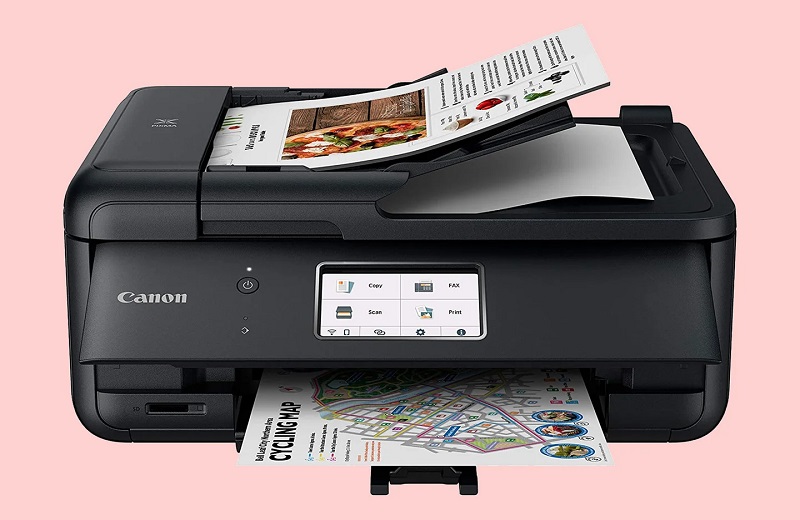
If you want the best home printer for sharp text and vibrant photos, an inkjet like the Canon PIXMA TS8320 is great.
The Epson EcoTank is another excellent choice that saves on ink with refillable tanks.
For faster, high-volume document printing, a laser printer like Brother HL-L2350DW offers efficiency and low costs per page.
Consider your print volume, budget, and space when choosing your printer.
Balancing quality, speed, and ongoing costs is key.
There’s more to know to find the perfect fit for your home.
Key Takeaways
- Choose an inkjet printer like Canon PIXMA TS8320 for vibrant photos and color accuracy at home.
- Opt for laser printers such as Brother HL-L2350DW for fast, sharp text and high-volume document printing.
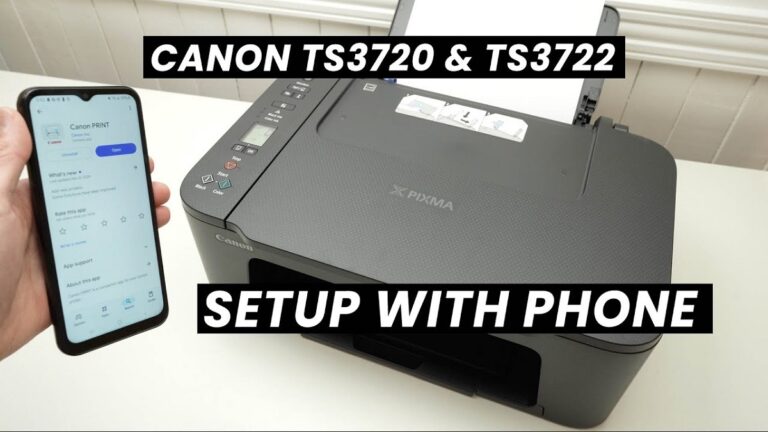
- Consider connectivity options like Wi-Fi and mobile printing for convenient home use.
- Factor in operating costs: refillable ink tanks offer savings over traditional ink cartridges.
- Match printer size and design to your available space and printing needs.
Key Features to Consider When Choosing a Home Printer
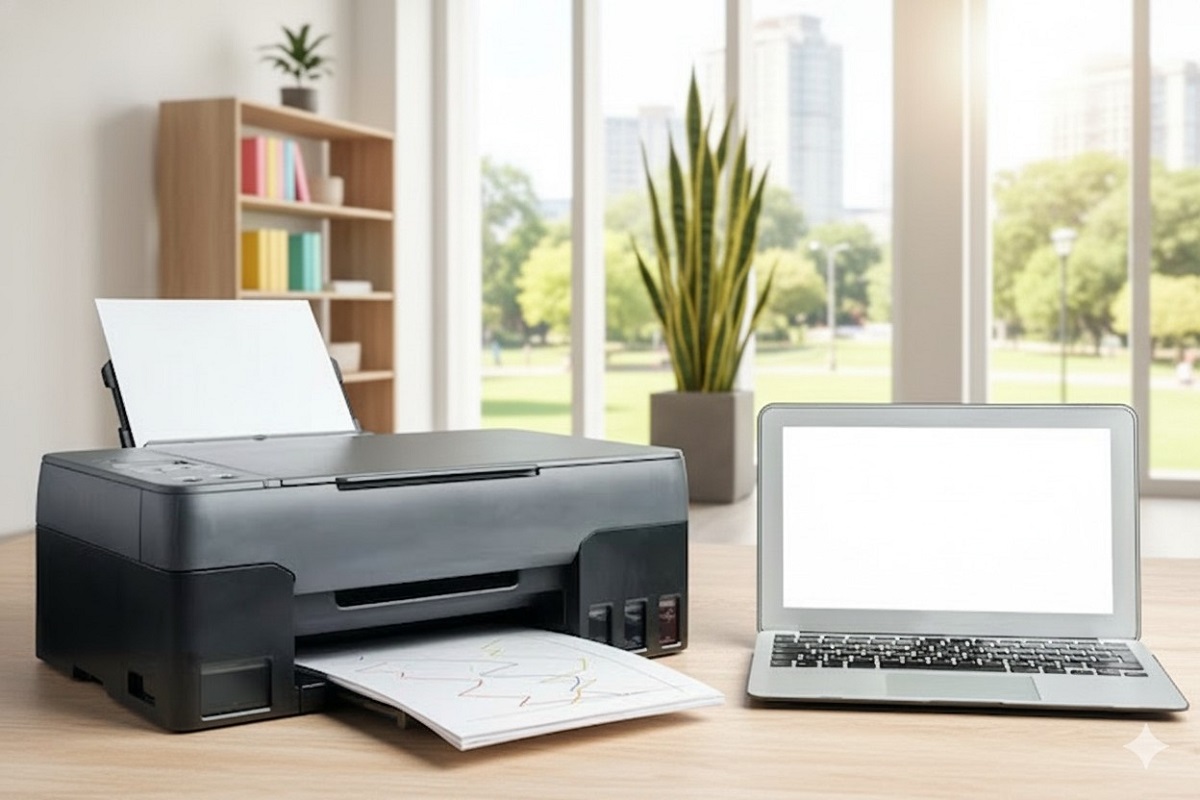
When you’re choosing a home printer, it’s important to focus on the features that match your specific needs. First, consider print quality—whether you need crisp text, vibrant photos, or both. Think about print speed, especially if you handle large volumes frequently.
Connectivity options matter too; Wi-Fi and mobile printing support let you print directly from your phone or laptop without hassle. Also, look at the printer’s size and design to ensure it fits your space. Don’t overlook operating costs: check ink or toner prices and page yield to avoid surprises.
In the end, multifunction capabilities like scanning or copying can be handy if you want an all-in-one device. Prioritizing these factors helps you find a printer that fits your routine perfectly.
Top Inkjet Printers for Home Use
Since inkjet printers excel at producing sharp text and vibrant photos, they’re often the best choice for home use. If you want a reliable option, the Canon PIXMA TS8320 offers excellent color accuracy and wireless connectivity, making photo printing simple.
The Epson EcoTank ET-2850 is another great pick, thanks to its refillable ink tanks that save you money over time. For compact spaces, the HP Envy 6055 fits neatly while delivering solid print quality and easy mobile printing. These inkjets balance cost, performance, and convenience—ideal if you print photos, documents, or school projects.
When choosing, consider print speed, ink costs, and connectivity options to find the best fit for your home printing needs.
Best Laser Printers for Home Offices
Although inkjet printers are popular for photos, laser printers are often a better fit if you need fast, efficient printing for your home office. They offer sharper text quality and handle high-volume printing without slowing down. If you mainly print documents, reports, or spreadsheets, a laser printer can save you time and hassle.
Models like the Brother HL-L2350DW and the HP LaserJet Pro M15w are compact, reliable, and easy to use, fitting perfectly on your desk. Many laser printers also include wireless connectivity, so you can print directly from your laptop or smartphone without cables. Plus, they generally require less maintenance and produce less smudging.
Choosing a laser printer for your home office means you’re investing in speed, clarity, and durability—ideal for everyday work tasks.
Comparing Cost Efficiency and Ink Options
Deciding on the best home printer often comes down to balancing cost efficiency with ink options. You want a printer that won’t drain your wallet on replacement cartridges but still delivers quality prints. Inkjet printers are generally cheaper upfront but have higher ink costs, while laser printers cost more initially but offer lower per-page expenses.
Consider refillable ink tanks for ongoing savings.
| Printer Type | Initial Cost | Ink Cost per Page |
|---|---|---|
| Inkjet | Low | High |
| Laser | High | Low |
| Tank Inkjet | Medium | Very Low |
| All-in-One | Medium | Medium |
| Photo Printer | High | High |
Knowing these costs helps you pick a printer that fits your budget and print needs.
Tips for Maintaining Your Home Printer
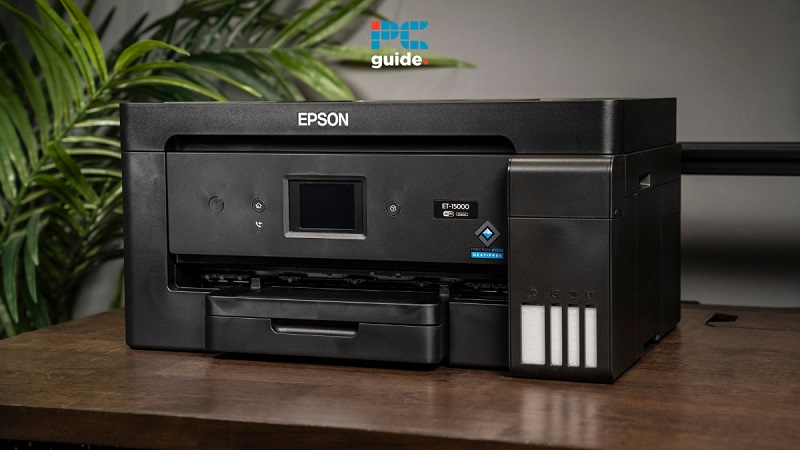
To keep your home printer running smoothly and extend its lifespan, you’ll want to perform regular maintenance. Start by cleaning the print heads to avoid clogs and maintain print quality—most printers have a built-in cleaning function you can run periodically. Always use the recommended ink or toner to prevent damage.
Keep your printer dust-free by wiping it gently with a soft cloth, and avoid placing it in humid or dusty areas. If you don’t use your printer often, print a test page weekly to keep ink flowing. Also, update your printer’s firmware when prompted; this can improve performance and fix bugs.
Finally, handle paper jams carefully to prevent internal damage. Following these tips will help your printer deliver consistent, high-quality results.
Frequently Asked Questions
Can I Print Photos Directly From My Smartphone?
Yes, you can print photos directly from your smartphone if your printer supports wireless or Bluetooth connections. Just connect your phone to the printer, select the photo, and use the printing app or feature for quick, easy prints.
What Type of Paper Is Best for High-Quality Photos?
You’ll want glossy, matte, or luster photo paper—each offering vibrant colors, rich tones, and sharp details.
Choose glossy for shine, matte for no glare, or luster for a balance; all guarantee high-quality prints.
How Do I Recycle Used Ink Cartridges Responsibly?
You can recycle used ink cartridges responsibly by returning them to store drop-off bins, using manufacturer mail-back programs, or finding local recycling centers.
Don’t toss them in the trash—they contain materials harmful to the environment.
Are Wireless Printers Compatible With All Operating Systems?
Wireless printers aren’t always compatible with all operating systems. You’ll want to check the manufacturer’s specs to verify it supports your device, whether it’s Windows, macOS, or mobile platforms, before making a purchase.
Can Home Printers Handle Printing Labels or Envelopes?
Yes, many home printers can handle labels and envelopes, but you’ll want to check your printer’s specifications. Make sure it supports the sizes and types of media you plan to use, and adjust settings accordingly for best results.
Conclusion
Choosing the best home printer means balancing quality, cost, and convenience. Did you know that 70% of home printer users prefer inkjet models for their vibrant color output? Whether you want sharp photos or crisp documents, understanding your needs helps you pick the right one.
Keep an eye on ink costs and maintenance tips to avoid surprises. With the right choice, your printer becomes a reliable partner for everyday tasks and creative projects alike.
In conclusion, selecting the best home printer involves considering print quality, affordability, and ease of use. By focusing on these factors, you ensure that your home printer meets all your printing needs effectively.