How Much Does a 3d Printer Cost
You can find entry-level 3D printers for as low as $150, perfect if you’re just starting out or on a tight budget.
Mid-range models, priced between $400 and $1,500, offer better speed, resolution, and advanced features for more detailed projects.
If you need professional-grade quality and materials, expect to spend $5,000 or more.
Keep in mind additional costs for materials and maintenance.
If you want to understand what fits your needs and budget best, there’s more to discover.
Exploring how much a 3D printer costs can help you make the right investment.
Key Takeaways
- Entry-level 3D printers cost between $150 and $400, suitable for beginners with basic features and slower print speeds.
- Mid-range 3D printers range from $400 to $1,500, offering better speed, resolution, and advanced features like heated beds.
- High-end 3D printers start around $5,000 and can exceed $100,000, designed for professional use with advanced material compatibility.
- Additional costs include materials ($20–$100 per kg), replacement parts, maintenance tools, software, and accessories.
- Choose a 3D printer based on project needs, balancing features, print quality, speed, and material compatibility to avoid overspending.
Entry-Level 3D Printers: Budget Options for Beginners
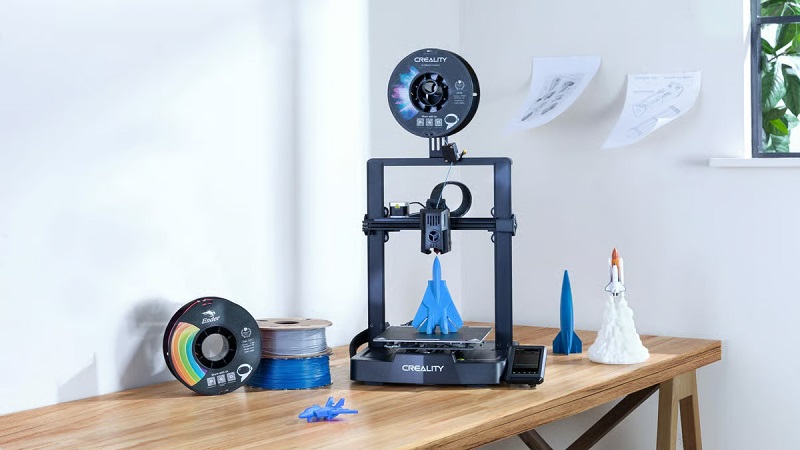
If you’re just getting started with 3D printing, entry-level printers offer a great way to learn without breaking the bank. These budget-friendly models typically cost between $150 and $400, making them accessible for hobbyists and beginners. You’ll find they come with essential features, like a basic build volume and straightforward setup, which helps you grasp the fundamentals of 3D printing.
While they might lack advanced capabilities or high-resolution output, they’re perfect for experimenting and creating simple objects. Keep in mind, these printers often require manual calibration and may have slower print speeds. Still, they provide a reliable starting point if you want to get hands-on experience and understand the basics before investing in more expensive equipment.
Entry-level printers are designed to make your initial 3D printing journey smooth and affordable.
Mid-Range 3D Printers: Balancing Cost and Performance
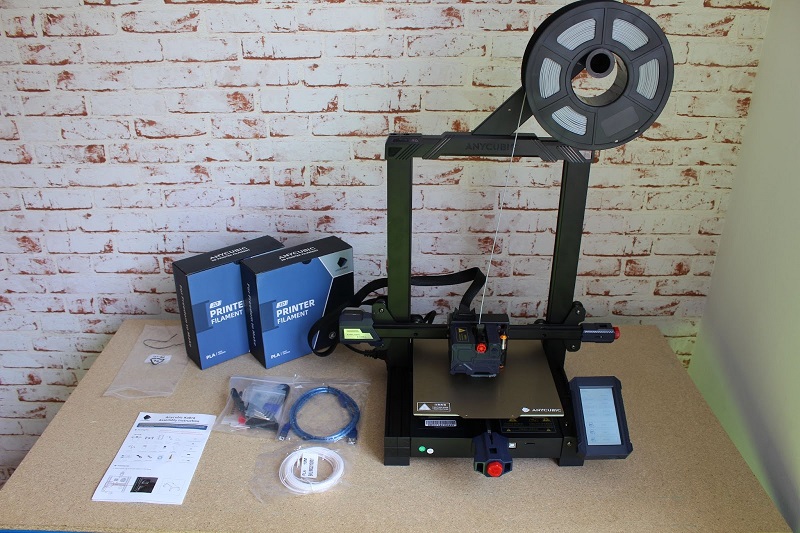
While entry-level printers are great for getting started, mid-range 3D printers offer better performance without a huge jump in cost. If you’re ready to upgrade, these models typically range between $400 and $1,500. You’ll notice improvements in print speed, resolution, and reliability, making them ideal for hobbyists who want more detailed and consistent results.
Many mid-range printers come with larger build volumes and more advanced features like touchscreen controls, heated beds, and better filament compatibility. Plus, they often include stronger community support and firmware updates. This balance of cost and capability means you won’t have to compromise much on quality while staying within a reasonable budget.
Choosing a mid-range printer is a smart move if you want to explore more complex projects without overspending.
High-End 3D Printers: Professional and Industrial Use
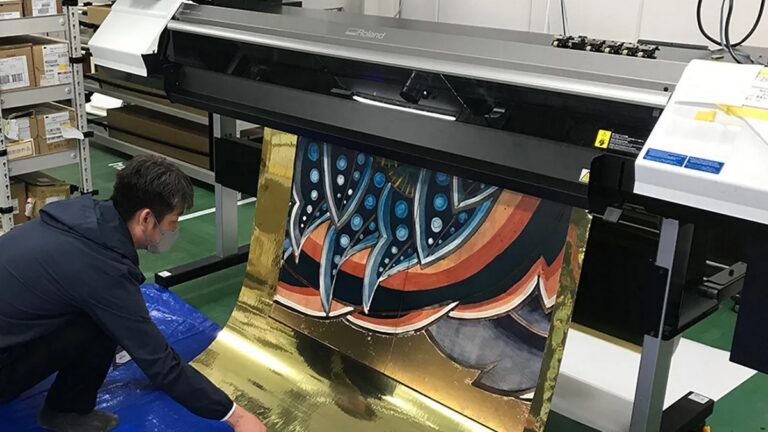
Stepping beyond mid-range models, high-end 3D printers deliver the precision and durability professionals demand. If you’re aiming to use 3D printing for industrial design, manufacturing, or intricate prototyping, these machines are built to handle complex tasks with exceptional accuracy. You can expect:
- Advanced Materials Compatibility – Work with high-performance plastics, composites, and even metals.
- Large Build Volumes – Create bigger parts or multiple components in one go.
- Enhanced Reliability and Speed – Reduce downtime with robust hardware designed for continuous operation.
These printers typically start around $5,000 and can exceed $100,000 depending on capabilities. Investing in a high-end 3D printer means you’re prioritizing quality output and efficiency, essential for professional or industrial environments where precision and repeatability are critical.
Additional Costs: Materials, Maintenance, and Accessories
Though the printer’s upfront price is important, you’ll also need to take into account ongoing expenses like materials, maintenance, and accessories. Filament or resin costs, replacement parts, and tools can add up quickly. Budget for these to avoid surprises.
| Expense Type | Typical Cost Range | Notes |
|---|---|---|
| Filament/Resin | $20 – $100 per kg | Depends on material type |
| Replacement Parts | $10 – $200 | Nozzles, belts, print beds |
| Maintenance Tools | $15 – $50 | Cleaning kits, lubricants |
| Software | Free – $500 | Some require paid licenses |
| Accessories | $20 – $150 | Build plates, enclosures |
Understanding these costs helps you maintain quality prints without breaking the bank.
Tips for Finding the Best 3D Printer Within Your Budget
When choosing a 3D printer within your budget, prioritize features that match your specific needs rather than chasing every advanced option. This approach helps you avoid overspending on unnecessary capabilities. To find the best fit, consider these tips:
- Define Your Purpose: Are you printing prototypes, models, or functional parts? Different printers excel in various applications.
- Check Print Quality and Speed: Balance resolution and speed based on your project requirements to save time and material costs.
- Evaluate Material Compatibility: Make sure the printer supports the filaments you plan to use, like PLA, ABS, or specialty materials.
Frequently Asked Questions
How Long Does It Take to Print a Typical 3D Object?
It usually takes you anywhere from 30 minutes to several hours to print a typical 3D object, depending on its size, complexity, and your printer’s speed.
Larger or detailed prints naturally take longer to finish.
What Software Is Needed to Operate a 3D Printer?
You’ll need slicing software like Cura or PrusaSlicer to prepare your 3D model, plus firmware that runs your printer.
Some printers come with proprietary software, but these are the most popular and user-friendly options.
Can 3D Printers Create Multi-Color or Multi-Material Prints?
Yes, you can create multi-color and multi-material prints with certain 3D printers. You’ll need printers with multiple extruders or specialized features, allowing you to switch filaments or blend materials during the printing process seamlessly.
Are 3D Printed Objects Safe for Food Contact?
Yes, you can use 3D printed objects for food contact, but you’ll need food-safe materials like certain PLA or PETG filaments.
Just make sure to avoid porous surfaces and check your filament’s certification for safety.
How Noisy Are 3D Printers During Operation?
3D printers can be a bit noisy, usually around 50-70 decibels, similar to a vacuum cleaner. You might hear fans and motors, but quieter models and enclosures can help reduce the noise if you’re sensitive.
The noise level varies depending on the printer type and its components. Some high-end printers are designed to operate more quietly. Using soundproof enclosures or placing the printer in a separate room can also minimize disturbance.
Conclusion
No matter your budget, there’s a 3D printer waiting to bring your ideas to life. Whether you’re dipping your toes with an entry-level model, aiming higher with a mid-range option, or diving deep into high-end territory, the cost is just part of the journey. Remember, materials and maintenance add up too.
So, choose wisely, invest smartly, and watch your creativity soar—because in the world of 3D printing, the possibilities are as endless as your imagination. Understanding how much does a 3d printer cost helps you plan better and find the perfect fit for your needs. With the right choice, your 3D printing experience will be both rewarding and cost-effective.