How Does a Laser Printer Work
When you print with a laser printer, a laser creates an electrostatic image on a negatively charged drum by discharging specific spots to form text or pictures. This process is central to how a laser printer works, combining precision and technology.
Toner, a fine powder, sticks only to those charged areas.
Paper then receives a positive charge, pulling the toner from the drum onto its surface. Heat is applied to fuse the toner permanently to the paper, ensuring your print is sharp and durable.
This clever method guarantees crisp results every time.
Each step of this process is carefully designed to produce high-quality prints efficiently. You can explore more fascinating details about how a laser printer works to appreciate the technology behind your everyday documents.
Key Takeaways
- A laser scans the drum, discharging specific areas to create an electrostatic image matching the document’s text and images.
- The drum is uniformly charged negatively by a charging roller or corona wire before laser exposure.
- Toner particles, negatively charged powders, adhere to the discharged areas of the drum forming the image.
- The paper receives a stronger positive charge from the transfer roller, attracting toner from the drum onto the paper.
- Heat and pressure fuse the toner onto paper, producing a permanent, sharp printed image.
The Role of the Drum Unit
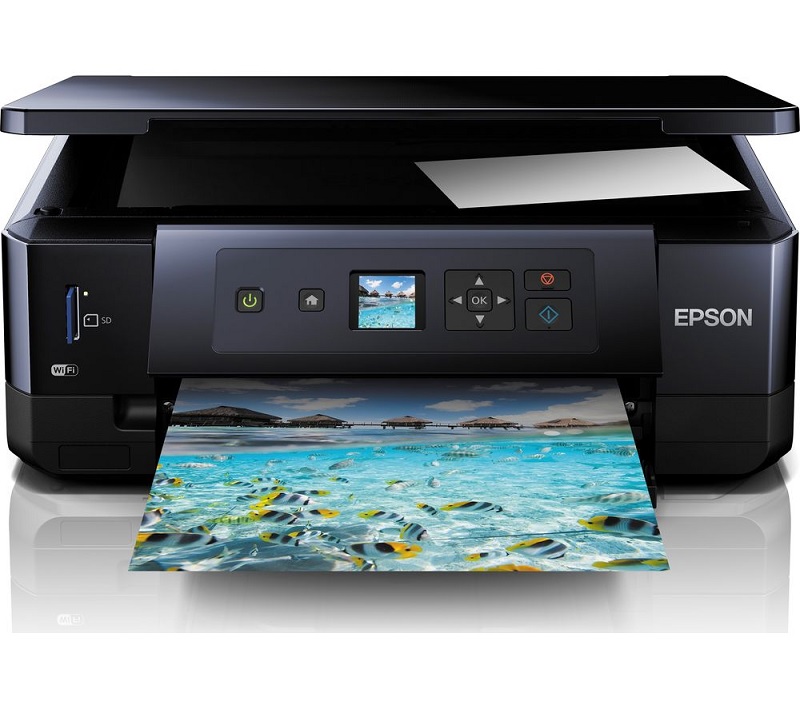
How does the drum unit fit into the laser printing process? The drum unit is essential because it acts as the medium that transfers the image onto the paper. When you start printing, the drum is electrically charged to prepare it for the image.
It then receives the pattern of the document, holding an electrostatic image on its surface. Toner particles, which are negatively charged, stick only to the charged areas on the drum. As the paper passes by, it’s given a positive charge that attracts the toner from the drum.
Finally, the toner is fused onto the paper with heat and pressure. Without the drum unit, the toner wouldn’t be able to form the image or transfer it accurately, making it a critical part of the entire process.
How the Laser Creates the Image
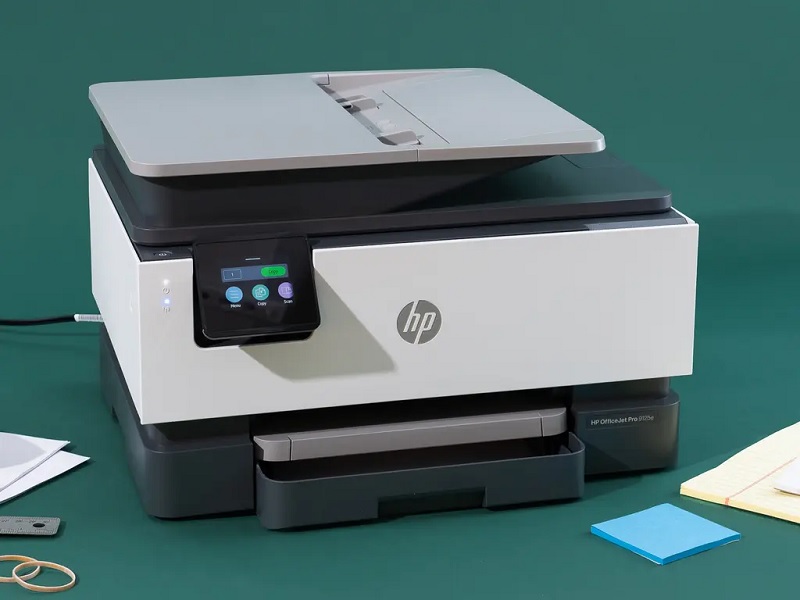
The drum unit sets the stage by carrying the electrostatic image, but it’s the laser that actually creates that image in the first place. When you send a print command, the printer’s laser beam scans across the drum’s surface, precisely targeting areas to form your document’s text and images. The laser selectively discharges specific spots on the drum, turning them from a uniform charge to a neutral state.
This pattern mirrors the content you want to print. By controlling the laser’s movement and intensity, the printer forms a detailed electrostatic image. This image then attracts toner particles exactly where needed.
Without the laser’s accurate and rapid scanning, the drum wouldn’t be able to hold the detailed image needed for sharp, clear prints.
The Charging Process Explained
Before the laser can create the image, the printer needs to prepare the drum by charging it evenly. You’ll find that a corona wire plays a key role in applying this uniform electrical charge.
Understanding how the drum charging mechanism functions helps explain how the printer guarantees every print begins with a clean slate.
Corona Wire Function
Understanding the corona wire function is key to grasping how your laser printer prepares the paper for printing. The corona wire is a thin, charged wire that applies a uniform electrical charge to the printer’s photosensitive drum or directly to the paper. This charge is essential because it allows toner particles to stick precisely where the printer’s laser has drawn the image or text.
Without the corona wire, the toner wouldn’t adhere correctly, resulting in blurry or incomplete prints. As the drum or paper passes by, the corona wire emits a high-voltage charge, creating an electrostatic field. This field guarantees that toner particles are attracted only to the charged areas, helping your printer produce sharp, clear output every time you print.
Drum Charging Mechanism
Although it might seem complex, the drum charging mechanism is actually a straightforward process that guarantees your printer creates a perfect image every time. When you start a print job, the drum, a cylindrical component coated with a photosensitive material, needs an even electrical charge.
The charging roller or corona wire applies this uniform negative charge across the drum’s surface. This step is essential because it prepares the drum to receive the laser’s image. Where the laser hits, it discharges specific areas, creating a pattern of static electricity that corresponds to your print.
This charged pattern then attracts toner particles, which stick only to those spots. Without this precise charging process, the image wouldn’t form correctly, and your print quality would suffer.
Toner Application and Transfer
How does the toner actually adhere to the paper in a laser printer? After the drum has been selectively charged by the laser, it attracts toner particles, which are fine, negatively charged plastic powders. The toner clings to the drum’s charged areas, forming the image or text you want to print.
Next, the drum rolls over a sheet of paper, which has been given a stronger positive charge by a transfer roller. Because opposite charges attract, the toner particles jump from the drum onto the paper’s surface. This precise transfer ensures the toner forms an exact replica of the image created by the laser on the drum.
Now, the toner is ready to be fixed permanently, but that happens in the next step.
Fusing the Toner to the Paper
Once the toner particles have transferred onto the paper, they still need to be permanently bonded so the image doesn’t smudge or rub off. That’s where the fuser comes in. The fuser is a pair of heated rollers that apply heat and pressure to the paper as it passes through.
The heat melts the plastic-based toner particles, allowing them to fuse firmly into the paper fibers. Meanwhile, the pressure ensures the toner spreads evenly and sticks tightly. This process not only secures the image but also gives it a smooth, professional finish.
Without the fuser, the toner would remain loose and could easily wipe away, ruining your printout. So, the fusing step is essential for creating durable, high-quality prints you can rely on.
Post-Printing Cleaning and Preparation
After the print job finishes, the printer needs to clean and prepare itself for the next task. This involves removing leftover toner from the drum and resetting components to ensure crisp prints next time.
Without this step, your printer could produce smudges or streaks.
Here’s what happens during post-printing cleaning and preparation:
| Step | Purpose |
|---|---|
| Cleaning Blade | Scrapes excess toner off drum |
| Discharge Lamp | Erases residual electrical charges |
| Drum Reset | Prepares drum for new image |
| Waste Toner Collection | Collects leftover toner safely |
Frequently Asked Questions
What Types of Toner Are Compatible With Laser Printers?
You’ll want to use toner cartridges specifically designed for your printer model, usually either OEM, compatible, or remanufactured toners.
Always check compatibility to avoid print quality issues or damage to your laser printer.
How Often Should I Replace the Drum Unit?
You should replace the drum unit every 10,000 to 30,000 pages, depending on your printer model and usage.
Check your printer’s manual or indicator light for specific guidance to keep print quality sharp and consistent.
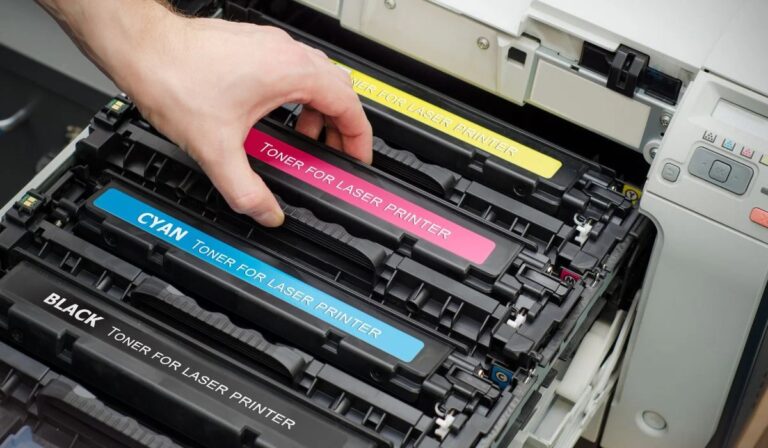
Can Laser Printers Print in Color?
Color laser printers are like painters with four brushes—cyan, magenta, yellow, and black. You can definitely print in color, and these printers blend those hues precisely for vibrant, professional-quality images and documents every time.
Why Does My Laser Printer Make a Buzzing Noise?
Your laser printer’s buzzing noise usually comes from the fuser heating up or the motor working. It’s normal, but if it’s loud or unusual, check for worn parts or debris that might need cleaning or replacement.
How Do I Troubleshoot Paper Jams in a Laser Printer?
Think of your printer as a delicate dance partner; if it stumbles, gently clear jammed paper, check rollers for debris, verify proper paper alignment, and avoid overfilling the tray.
These moves keep the rhythm smooth and steady.
Conclusion
So, next time you watch your laser printer spit out a perfect page, remember it’s not magic—it’s a tiny drum getting zapped by a laser, charged up like a tiny battery, then dusted with toner like it’s snowing on a mini field.
And just when you think it’s done, it melts that toner onto the paper, only to clean up its own mess like a neat freak.
Who knew printing was such a high-tech dance? This is how a laser printer works, combining precision, technology, and efficiency to produce crisp, clear prints every time.