What’s a Good Printer – Need to Know
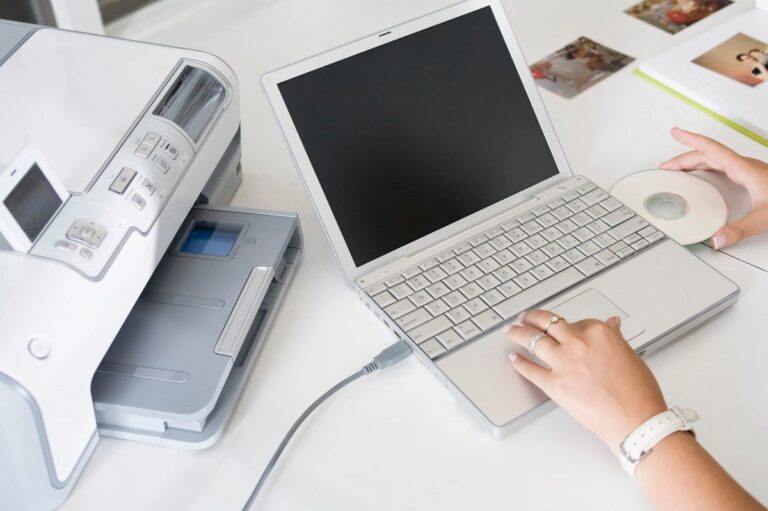
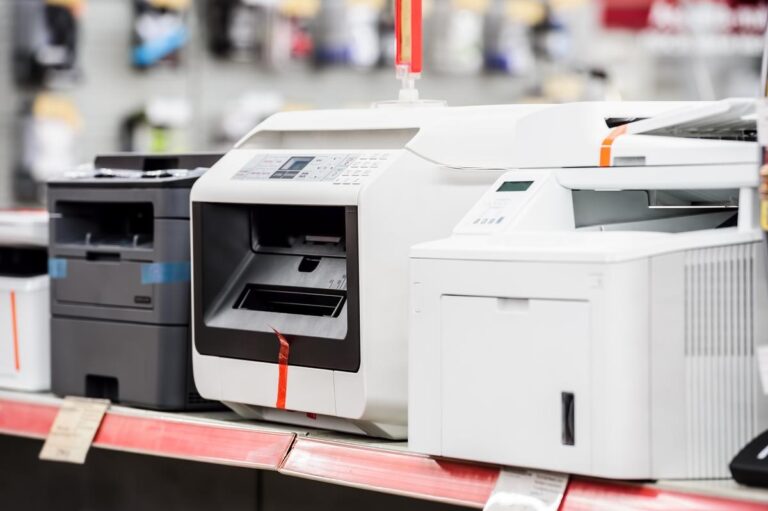
A good printer depends on your specific needs, such as sharp photo quality, fast printing, or low ink costs. Inkjet printers are ideal for colorful images, while laser printers handle heavy black-and-white tasks efficiently.
Look for Wi-Fi or Bluetooth capabilities if you want wireless convenience. Keep in mind ink expenses and resolution to ensure crisp prints.
Choosing the right type and features can save you both time and money.
Keep reading to find out how to pick the perfect printer for your setup.
Key Takeaways
- Choose a printer based on your primary needs: photo quality, text clarity, speed, or multifunction capabilities.
- Inkjet printers are versatile for color and photo printing; laser printers excel in fast, high-volume black-and-white jobs.
- Look for printers with at least 300 DPI for sharp text, and 600 DPI or higher for detailed photos or graphics.
- Consider long-term costs by evaluating ink or toner price, cartridge page yield, and cost per page.
- Opt for models with modern connectivity options like Wi-Fi, Bluetooth, and mobile printing for convenience and flexibility.
Key Features to Consider When Choosing a Printer
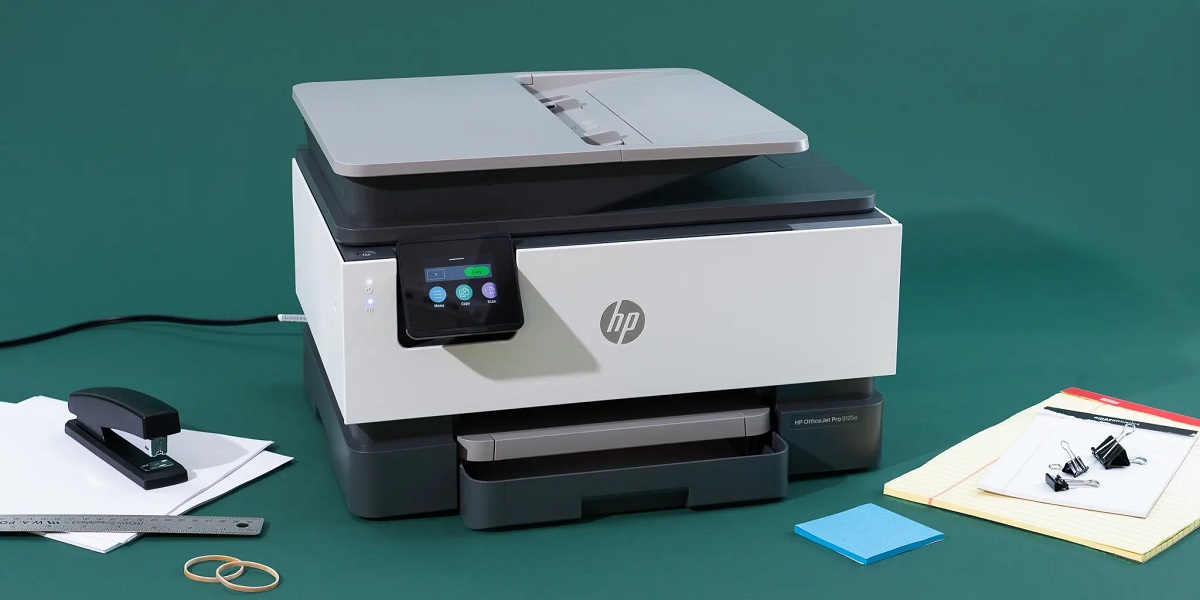
When you’re choosing a printer, it’s important to focus on features that match your needs. Start by considering print quality; if you often print photos or graphics, look for higher resolution options. Think about speed too—if you print frequently, a faster printer saves time.
Connectivity matters as well; printers with Wi-Fi or Bluetooth let you print wirelessly from multiple devices. Don’t forget about the cost of ink or toner, since some models have expensive cartridges. Also, check if the printer supports duplex printing to save paper.
Finally, consider the size and placement of the printer to fit your workspace comfortably. By focusing on these key features, you’ll find a printer that works efficiently for your specific tasks without wasting money or space.
Types of Printers and Their Best Uses
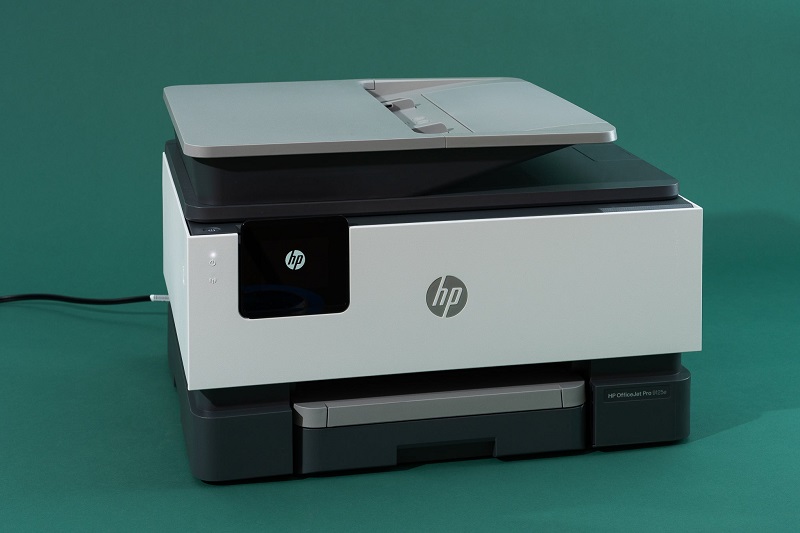
What kind of printer suits your needs best? If you need sharp text and everyday documents, an inkjet printer is versatile and affordable, great for photos and color prints too.
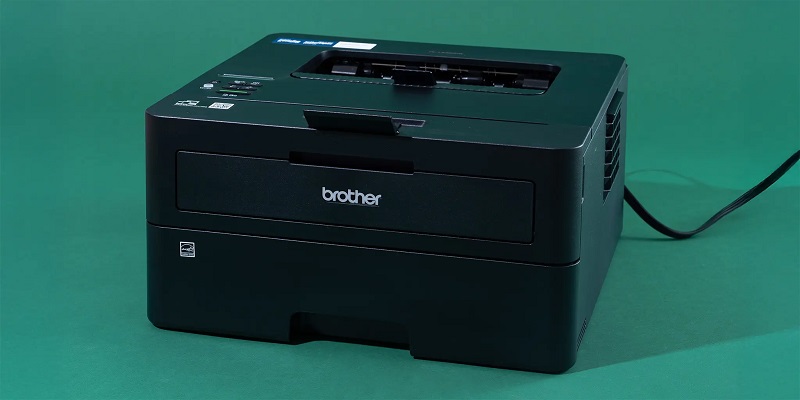
For heavy office use, a laser printer is your go-to—it’s fast, efficient, and produces crisp black-and-white text with low cost per page. Need to print photos professionally? Consider a photo printer with specialized inks for vibrant, long-lasting images.
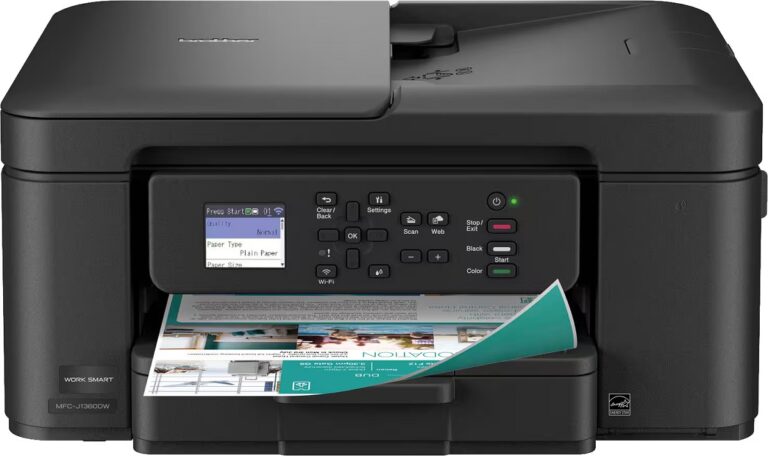
If space is tight and you want all-in-one convenience, an all-in-one printer combines printing, scanning, and copying. For occasional use or portability, compact mobile printers might work. Match your printer type to how you print most often, avoiding features you won’t use.
This way, you get the best performance without overspending.
Understanding Print Quality and Resolution
When choosing a printer, you’ll want to understand how DPI affects image clarity and sharpness. You’ll also need to think about factors that impact color accuracy to get prints that look true to life.
These details can make a big difference in your final results.
DPI and Image Clarity
Although print quality depends on various factors, DPI (dots per inch) plays a crucial role in determining how sharp and detailed your printed images will be. The higher the DPI, the more dots of ink your printer places per inch, resulting in crisper images. For most everyday documents, 300 DPI is sufficient, but for photos or detailed graphics, you might want 600 DPI or higher.
| DPI Value | Use Case | Image Quality |
|---|---|---|
| 150 | Draft Prints | Low clarity |
| 300 | Standard Text | Clear and readable |
| 600 | Photos & Graphics | Sharp and detailed |
| 1200+ | Professional Art | Ultra high detail |
Choosing the right DPI ensures your prints meet your clarity expectations without wasting ink.
Color Accuracy Factors
Since color accuracy can make or break the overall look of your prints, it’s important to understand the factors that influence how colors appear on paper. First, the type of ink plays a huge role—pigment inks tend to offer more vibrant and lasting colors compared to dye-based inks. Second, your printer’s color management system, including ICC profiles, helps translate digital colors correctly to physical prints.
Third, the paper you choose affects color absorption and vibrancy; glossy papers usually enhance colors better than matte ones. Ultimately, calibration is key: regularly calibrating your monitor and printer ensures what you see on screen matches the printed result. Paying attention to these factors helps you get consistent, true-to-life colors every time.
Evaluating Cost Efficiency and Ink Usage
When choosing a printer, you’ll want to contemplate more than just the initial purchase price. Pay attention to how long the ink cartridges last and the cost per page to avoid unexpected expenses.
These factors can make a big difference in your overall printing budget.
Initial Purchase Price
A good printer doesn’t just fit your budget at checkout—it also saves you money over time. When considering the initial purchase price, you want to balance upfront costs with long-term value. Cheaper printers might seem appealing, but they can lead to higher expenses through frequent ink replacements or slower printing speeds.
On the other hand, investing a bit more initially often means better build quality and more efficient ink usage. Think about how much you’ll print regularly; if it’s a lot, spending more now could reduce overall costs. Don’t forget to check for bundled deals that include extra ink or warranty.
Ultimately, your goal is to pick a printer whose initial price aligns with your printing needs and won’t strain your wallet later on.
Ink Cartridge Longevity
Though the initial price is important, you’ll want to pay close attention to ink cartridge longevity, as it greatly affects your ongoing expenses. A printer that uses cartridges lasting longer means fewer replacements and less hassle, saving you both time and money. When choosing a printer, check the estimated page yield of its cartridges—higher yields typically indicate better efficiency.
Also, consider if the printer uses separate cartridges for each color; this way, you only replace the color that runs out, not the entire cartridge. Keep in mind that some printers use more ink during cleaning cycles or for high-quality prints, so their cartridges might deplete faster. Understanding these factors helps you pick a printer that balances upfront cost with practical ink usage over time.
Cost Per Page
Understanding the cost per page is essential for evaluating a printer’s true affordability. It’s not just about the initial price; you need to contemplate how much each page will cost you in ink or toner. Some printers might be cheap upfront but have expensive cartridges that run out quickly, making your overall expense much higher.
When choosing a printer, check the price and yield of replacement cartridges to calculate the cost per page. Also, consider printers that support high-yield cartridges or refill options to reduce costs. Keep in mind that ink usage varies depending on what you print—photos consume more than text.
Connectivity Options and Compatibility
When choosing a printer, you’ll want to think about how easily it connects to your devices and whether it’s compatible with your operating system. Most modern printers offer multiple connectivity options like USB, Wi-Fi, and Bluetooth, giving you flexibility. If you plan to print from multiple devices, wireless connectivity can save you the hassle of cables.
Also, check if the printer supports mobile printing technologies like Apple AirPrint or Google Cloud Print for added convenience. Compatibility is essential too—make sure the printer’s drivers support your computer’s OS, whether it’s Windows, macOS, or Linux. Some printers even offer apps that simplify printing from smartphones or tablets.
Ensuring your printer fits into your tech ecosystem will make your printing experience smooth and hassle-free.
Tips for Maintaining Your Printer for Longevity
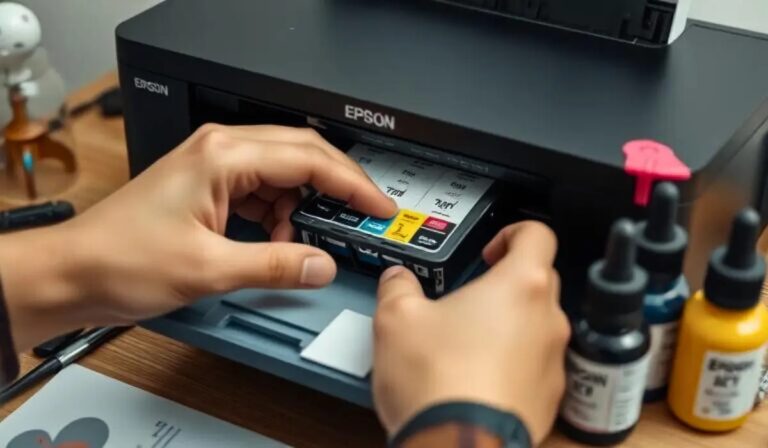
To keep your printer working smoothly for years, you’ll need to perform regular maintenance. Start by cleaning the print heads to prevent clogs that cause streaks or faded prints. Use the printer’s built-in cleaning function or gently wipe with a lint-free cloth and isopropyl alcohol.
Always replace ink or toner cartridges promptly to avoid leaks or poor print quality. Keep your printer in a dust-free environment and cover it when not in use. Regularly update your printer’s drivers and firmware to ensure compatibility and fix bugs.
Avoid overloading the paper tray, and use the recommended paper type to prevent jams. Finally, run test pages occasionally to detect issues early, ensuring your printer remains reliable and efficient for a long time.
Frequently Asked Questions
Can Printers Print on Fabric or Unconventional Materials?
Yes, you can print on fabric or unconventional materials, but you’ll need a specialized printer or ink. Heat transfer or sublimation printers work best, and you might also consider printable fabric sheets designed for standard inkjet printers.
These options allow for vibrant, durable prints on a variety of surfaces. However, not all printers are equipped to handle these materials. Make sure to check printer compatibility before starting your project.
How Do Printers Handle Double-Sided Printing Automatically?
Printers with automatic double-sided printing use a duplexer that flips the paper internally after printing one side. You don’t have to manually turn pages, making two-sided printing fast and hassle-free.
This mechanism ensures the paper is re-fed correctly for printing on the opposite side.
It saves time and reduces paper waste, offering convenience especially for large print jobs.
What Are the Environmental Impacts of Different Printer Types?
When it comes to environmental impact, inkjet printers use less power but waste more ink, while laser printers consume more energy but use toner more efficiently.
You’ll want to weigh these factors before making your choice.
Are There Printers Specifically Designed for Photo Printing Only?
Yes, there are printers made just for photo printing. You’ll find dedicated photo printers offering high resolution and color accuracy, perfect for printing professional-quality photos at home without the bulk or cost of all-in-one models.
How Does Printer Noise Level Vary Between Models?
Printer noise levels vary widely; some models run quietly, especially inkjets, while others, like laser printers, can be louder.
You’ll want to check reviews or specs if noise is a concern for your workspace.
Conclusion
Choosing the right printer might feel like maneuvering the labyrinth of Daedalus, but with the right features in mind, you’ll find your way effortlessly. Whether you need sharp images, cost efficiency, or seamless connectivity, focusing on what fits your needs guarantees you won’t get lost in endless options.
Keep your printer well-maintained, and it’ll serve you like a trusty Excalibur—reliable and ready whenever creativity calls. A good printer combines quality, affordability, and ease of use to meet your specific printing demands. By selecting features that match your workflow, you ensure a satisfying and efficient printing experience.